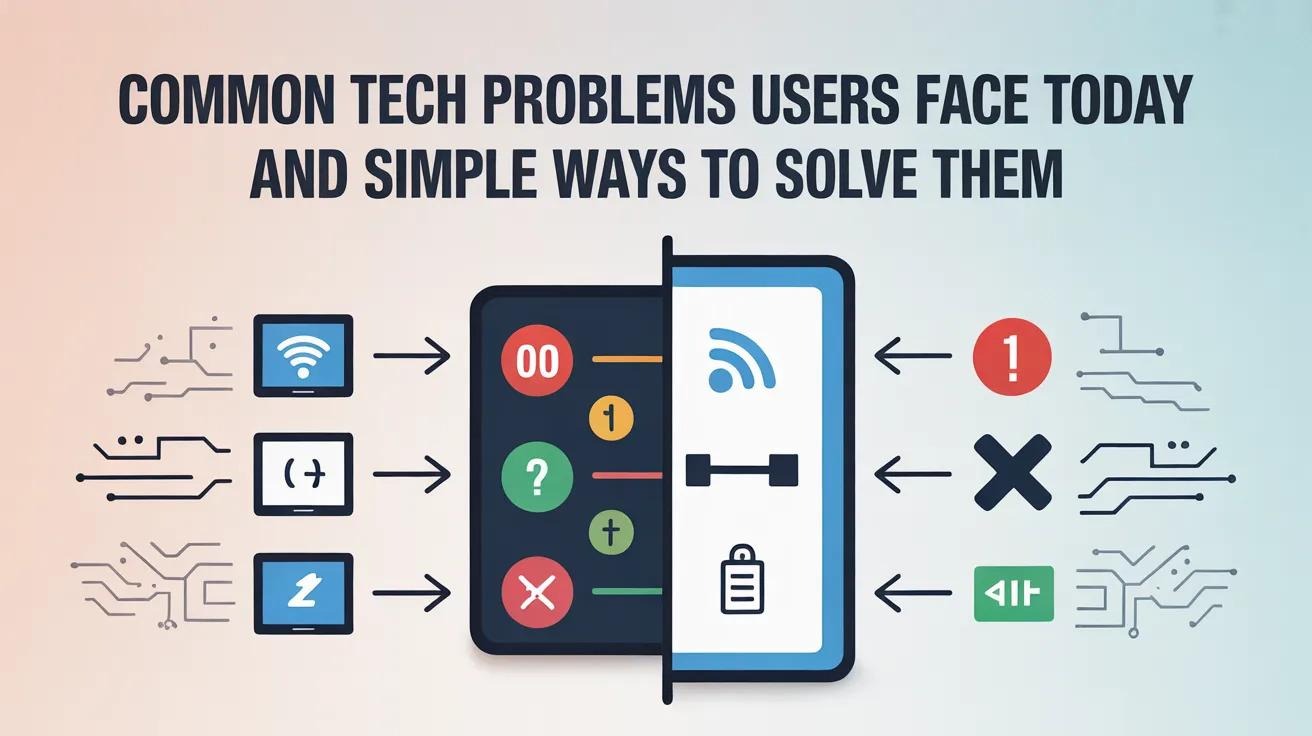
Despite rapid technological progress, users continue to face common technical problems in their daily digital lives. Smartphones, laptops, tablets, and internet-connected devices are now essential for work, communication, and entertainment. However, frequent issues such as slow performance, software errors, connectivity failures, and security risks can interrupt productivity and cause frustration. The good news is that many of these problems can be resolved with basic knowledge and simple actions. Understanding these challenges helps users avoid unnecessary stress and reduces dependence on professional technical support.
Slow Device Performance and How to Fix It
Slow device performance is one of the most frequent complaints among users. Over time, devices collect unused applications, cached data, temporary files, and background processes that consume system resources. Older devices may struggle even more when running newer software versions. Regular maintenance can significantly improve performance. Users should uninstall apps they no longer use, clear temporary files, and keep sufficient storage space available. Updating the operating system and installed applications also improves stability and speed, as updates often include performance enhancements and bug fixes. Limiting background applications and disabling unnecessary startup programs can further reduce system load. Many users actively search for practical tech solutions when their devices begin to lag, and these simple steps often restore smooth performance without additional cost.
Software Compatibility Issues
Software compatibility issues are another common problem faced by users. Applications may fail to install, crash unexpectedly, or display error messages due to outdated operating systems or unsupported hardware configurations. Before installing new software, users should always check system requirements such as operating system version, processor type, memory, and storage space. Keeping both the operating system and drivers up to date helps prevent conflicts and improves compatibility with newer applications. When issues occur, reinstalling the software or running it in compatibility mode may resolve the problem. Users often rely on online documentation and forums to understand error messages and system conflicts before seeking technical assistance.
Internet Connectivity Problems
Internet connectivity problems can disrupt both personal and professional activities. Slow speeds, dropped connections, and unstable networks are common issues caused by weak signals, router misconfiguration, outdated hardware, or service provider interruptions. Simple troubleshooting steps can solve many connectivity issues. Restarting the modem and router refreshes the network connection. Updating router firmware improves performance and security. Adjusting router placement or switching Wi-Fi channels can reduce interference. For more persistent issues, checking cables, resetting network settings, or contacting the internet service provider may be necessary. A step-by-step technology guide can help users identify the source of connectivity problems and apply the correct solution without technical expertise.
Storage and Data Management Challenges
Limited storage space is another issue users frequently encounter. Full storage can slow down devices, prevent software updates, and cause application crashes. Photos, videos, downloads, and cached files often consume storage without users realizing it. Users should regularly review storage usage and remove unnecessary files. Transferring data to external drives or cloud storage services helps free up space. Automatic cleanup tools available in most operating systems can simplify this process. Proper data organization not only improves performance but also makes files easier to locate and manage.
Security and Privacy Concerns
Security concerns are becoming more serious as online threats increase. Phishing emails, malware, weak passwords, and unsecured websites put personal and professional data at risk. Many users underestimate these risks until they experience a security incident. Using strong, unique passwords for each account is a basic but effective protection measure. Enabling two-factor authentication adds an extra layer of security. Users should also avoid clicking suspicious links and downloading files from untrusted sources. Keeping antivirus software and system updates enabled helps protect against new threats. Simple security habits can prevent major data loss and identity theft.
Managing Notifications and Digital Overload
Excessive notifications and constant digital alerts can reduce focus and increase stress. Emails, messaging apps, and social media notifications often interrupt work and personal time. Users can manage this problem by customizing notification settings, disabling non-essential alerts, and using focus or do-not-disturb modes. Organizing communication channels and setting boundaries for digital availability improves concentration and productivity.
Reducing Dependence on Technical Support
By understanding common technology problems and learning basic troubleshooting techniques, users can resolve many issues independently. This saves time, reduces costs, and builds confidence in using digital tools. Simple habits such as regular updates, routine maintenance, and cautious online behavior go a long way in preventing problems before they occur.
Summary of Common Tech Problems and Solutions
Common technology problems such as slow performance, software compatibility issues, internet connectivity failures, storage limitations, and security risks affect users daily. However, most of these challenges have straightforward solutions that do not require advanced technical skills. By applying basic maintenance practices and following reliable guidance, users can enjoy smoother, safer, and more efficient digital experiences in both personal and professional environments.